A library UI built
for discovery —
not just retrieval.
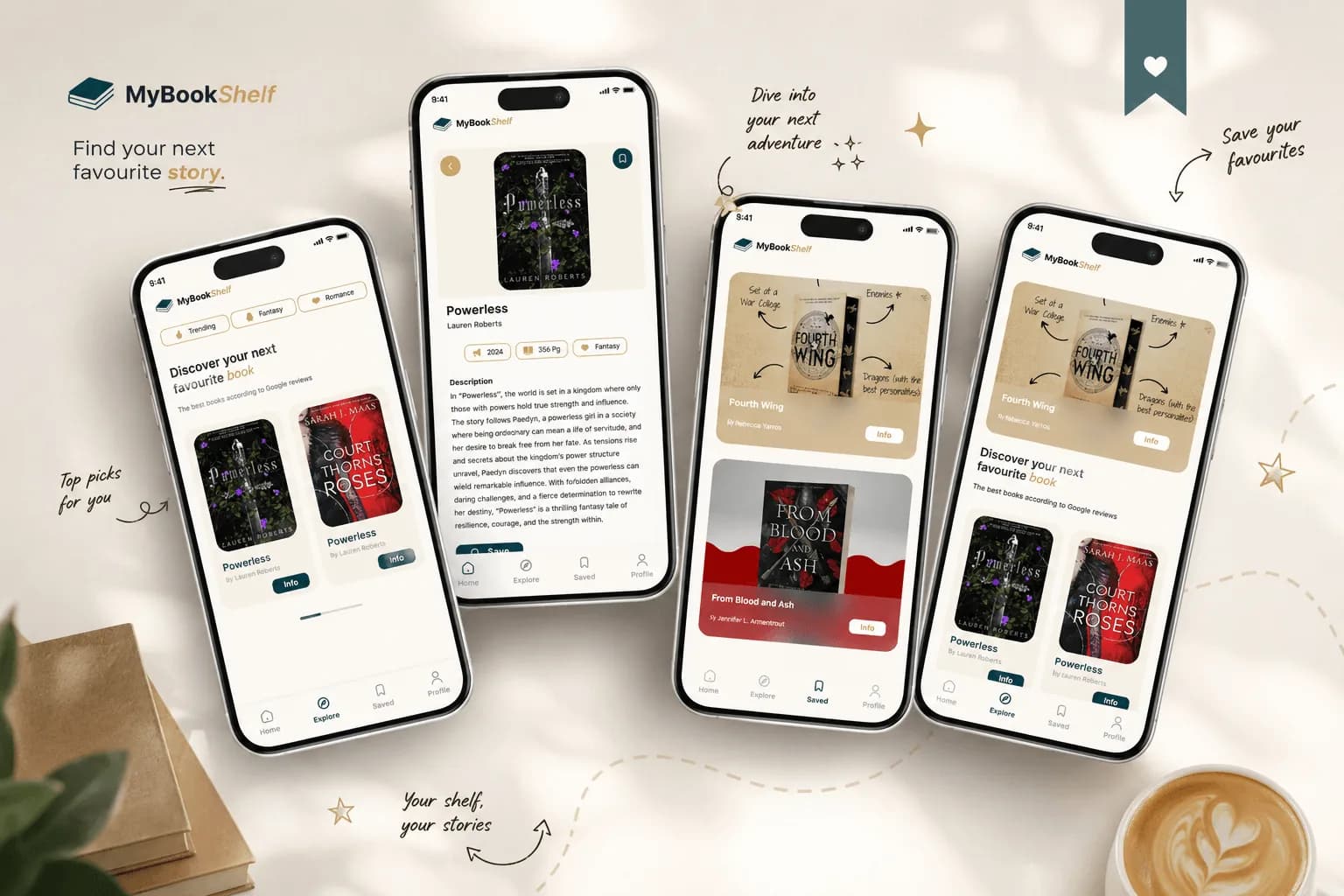
Bookshelf was designed for both retrieval and discovery — helping users find content they didn't know existed, through smart structure and visual hierarchy.
What we discovered — and how we solved it
Library platforms were built
for retrieval — not discovery
The challenge wasn't just building something that looked good — it was solving a real UX problem that most library interfaces ignore. The most valuable moments in a library happen when you stumble upon something you didn't know you were looking for.
No exploration pathway — users searched, found, and left with no reason to stay.
Visually cluttered and inconsistent — navigation felt like a task, not an experience.
Accessibility gaps — small text, low contrast, no clear reading hierarchy.
A library designed
to feel like browsing
We redesigned Bookshelf around a single idea: a library should feel like browsing, not searching. The information architecture was rebuilt from the ground up — every content type, user journey, and state mapped before any visual design began.
Dual-mode browsing — traditional search for those who know what they want, visual discovery for everyone else.
Cover-led browsing, curated collections, and related content suggestions that pull users deeper into the catalogue.
Reading interface rebuilt to WCAG 2.1 AA — typography, spacing, and contrast treated as functional, not aesthetic.
Not because we added more features — but because we made the existing content easier to find and more rewarding to explore.
The full interface
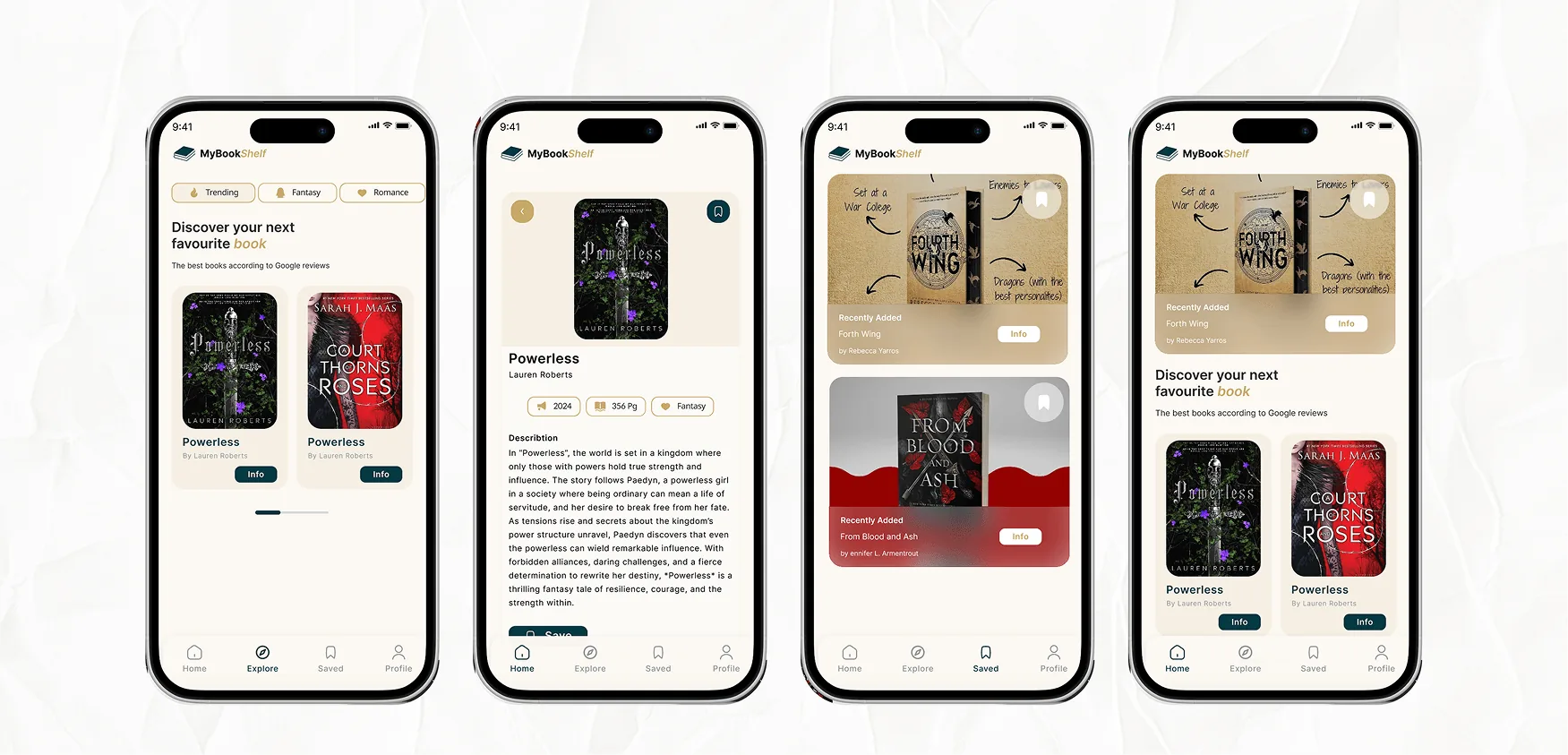
Discovery on every screen
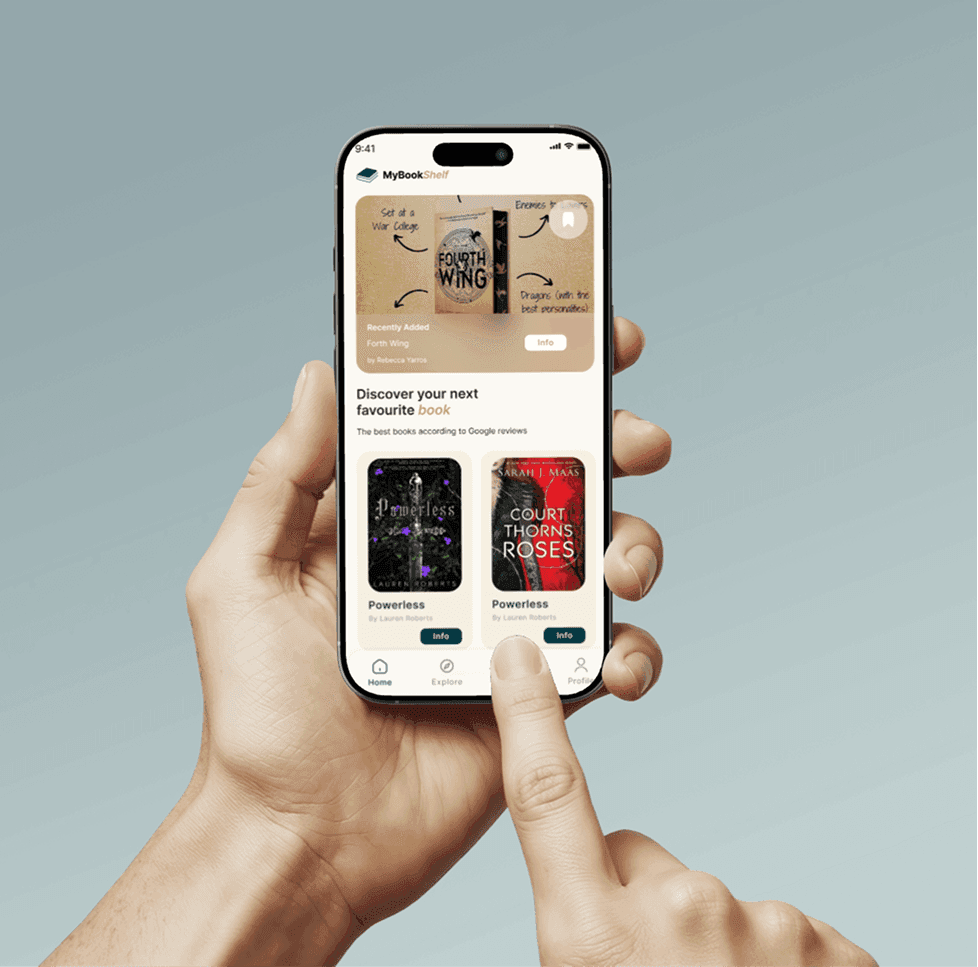
The mobile interface was designed around thumb-friendly navigation, visual browsing, and progressive disclosure — making it as easy to discover on mobile as on desktop.
- Visual browsing — cover-led category exploration
- Advanced search + multi-faceted filtering
- Distraction-free reading mode
- Smart related content suggestions
- Curated collections + user shelves
The services behind this project
Every result above came from one or more of our services. Explore what the same work could do for you:
Ready to build a
knowledge system that works?
Book a free call and let's talk about your project.
Replies within 4 working hours, from one of the two founders — not a sales rep, not a bot.